
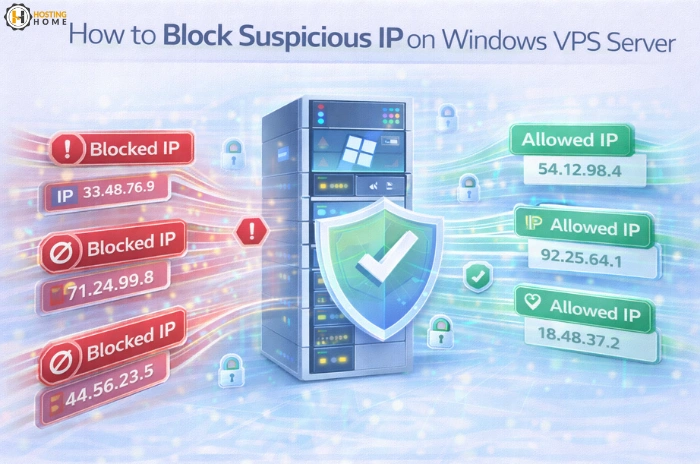
How to Block Suspicious IP on Windows VPS Server
In 2026, online security has become more important than ever. Websites and applications are under threat every day from hackers, robots, and unknown users. If you are using a VPS server Windows, then it is necessary to protect it from suspicious activity, in order to keep your data and services safe.
A Windows VPS gives you full control over your server but with that control comes responsibility. One of the most effective ways to enhance the security level is by blocking unwanted IP addresses that attempt to gain access to your system.
This blog provides easy ways to block suspicious IPs and keep your Windows VPS secure.
Why Blocking IP Addresses is Important
Every day thousands of connection requests are made to servers. Some of these requests are from real users, and some of them are from attackers.
Unwanted IPs can:
- Try to break passwords
- Send spam requests
- Slow down your server
- Scan for weaknesses
- Attempt data theft
Blocking these IPs help to protect your Windows VPS hosting from damage and performance loss.
How to Detect Suspicious IP Activity
Before blocking any address, you should know how to identify harmful behaviour.
Common signs include:
- Many failed login attempts
- Repeated access from unknown countries
- High traffic from one IP
- Random file requests
- Login attempts at odd hours
By tracking logs and server activity, Windows VPS hosting India is able to detect any unusual patterns with ease.

Using Windows Firewall to Block IP
Windows Firewall is one of the simplest IP address blocking tools.
You can use it to:
- Block specific IPs
- Allow trusted IPs
- Control of incoming connections
- Filter unwanted traffic
This method is good for both new users and advanced users who are using a VPS Windows server.
Blocking IPs Using Remote Desktop Settings
Many attacks occur via Remote Desktop. If you have RDP port open to anyone, the attackers may try to gain access to it.
You can improve security by:
- Allowing RDP from select IPs only
- Changing default ports
- Limiting login attempts
- Using strong passwords
These steps are important, especially if you are using cheap Windows VPS using RDP.
Using Security Software for Automatic Protection
Manual blocking is useful but automation saves time. Security tools can be used to detect threats and block them automatically.
Good security software can:
- Detect suspicious patterns
- Block harmful IPs
- Send alerts
- Scan for malware
- Protect system files
Users who choose for the best Windows VPS usually install security tools to get an added-security.
Creating IP Whitelists for Trusted Access
Instead of blocking all the bad IP’s, you can allow only the trusted ones. This is called whitelisting.
With this method:
- Only approved IPs are allowed to access the server
- Risk of attack is reduced
- Control becomes easier
This works well for businesses that are using Windows VPS India for internal systems.
Regular Monitoring and Log Checking
Security is not a one-time job. You need to check your server on a regular basis.
Important things to monitor:
- Login records
- File changes
- Network traffic
- Resource usage
- Error reports
This helps you to detect the threats early and protect your Windows VPS hosting.
Free and Budget Windows VPS Solutions
Many new users choose to use free VPS server Windows or free Windows VPS plan to learn how to manage a server. These options are good for practice but are often insecure.
For serious projects, opting for affordable Windows VPS or cheap Windows VPS server India plans which have protection is safer.
Always check security features before you buy windows vps or buy windows vps server.
Why Business Need Secure Hosting
A hacked server can damage your reputation and cost you money. Blocking suspicious IPs helps you:
- Protect customer data
- Avoid downtime
- Maintain website speed
- Improve security
- Build trust
This makes having security an important part of professional hosting.
Why Choose Hosting Home for Secure Windows VPS Hosting
If you are looking for trusted and secure windows vps hosting india, Hosting Home is a trusted choice.
What Hosting Home provides:
- High speed NVMe SSD Windows VPS servers
- Free SSL certificates
- Free weekly backups
- Free DDoS protection
- Free website migration
- 99.99% uptime guarantee
- Free 24/7 WhatsApp support
- Cheap VPS hosting Windows
- Free trial and demo options
- 2 RDP Free Access with Windows VPS
- Strong security tools
- Easy upgrade facility
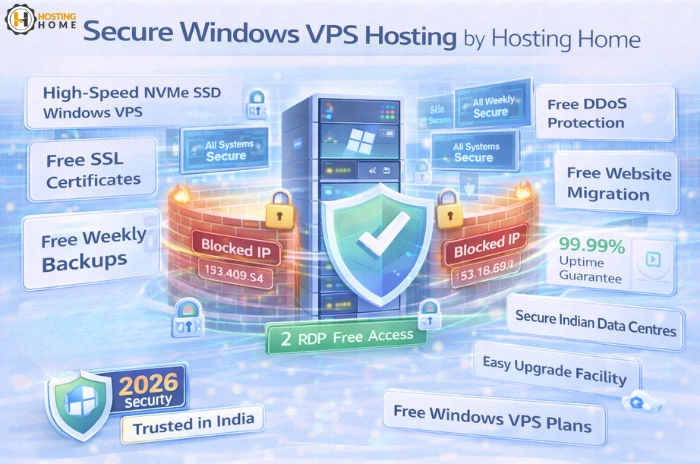
If you are looking for a beginner plan, business solution or advanced hosting, Hosting Home provides you the best windows vps with strong security and full control.
Protect your server and grow your business with Hosting Home’s secure Windows VPS solutions.